Create Process Model Timer Events
Description
This feature allows you to assign a throttling rule to a process model. The rule will be applied whenever a process instance is initiated by a timer.
Steps to Create Assignment
-
Click the "Create Assignment" button in the "Throttling Assignment" tab of the Throttling view.
-
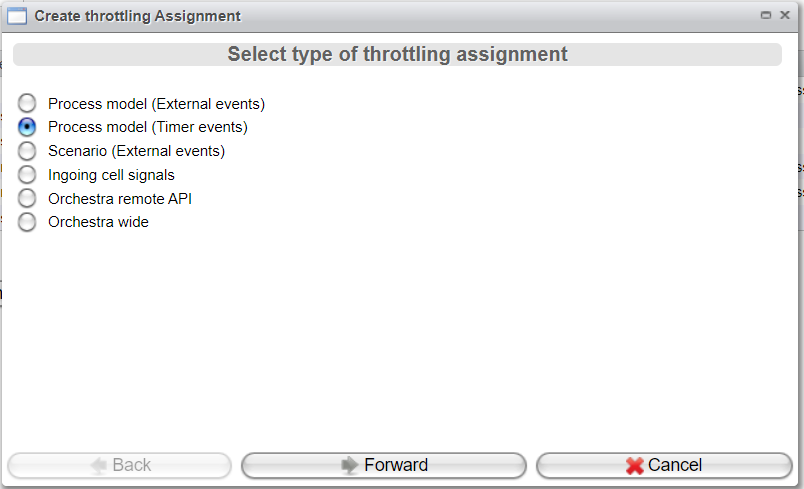
Select
Process Model (Timer Events)and click the "Forward" button.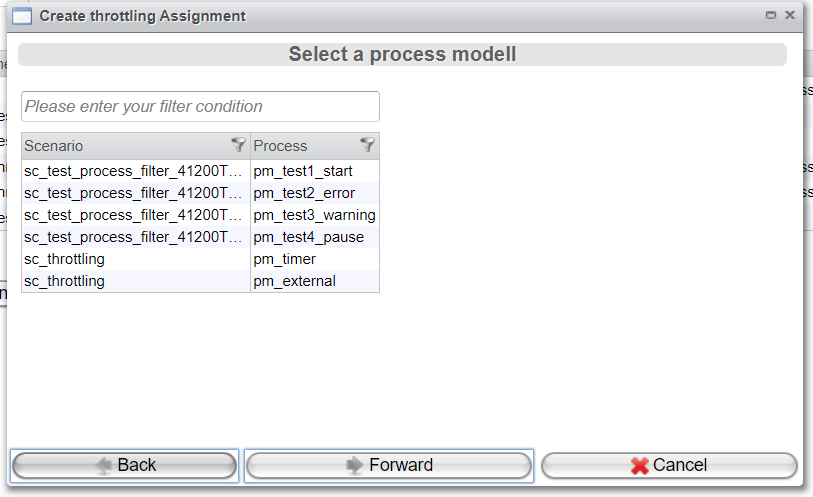
-
Choose a process model and click the "Forward" button.
-
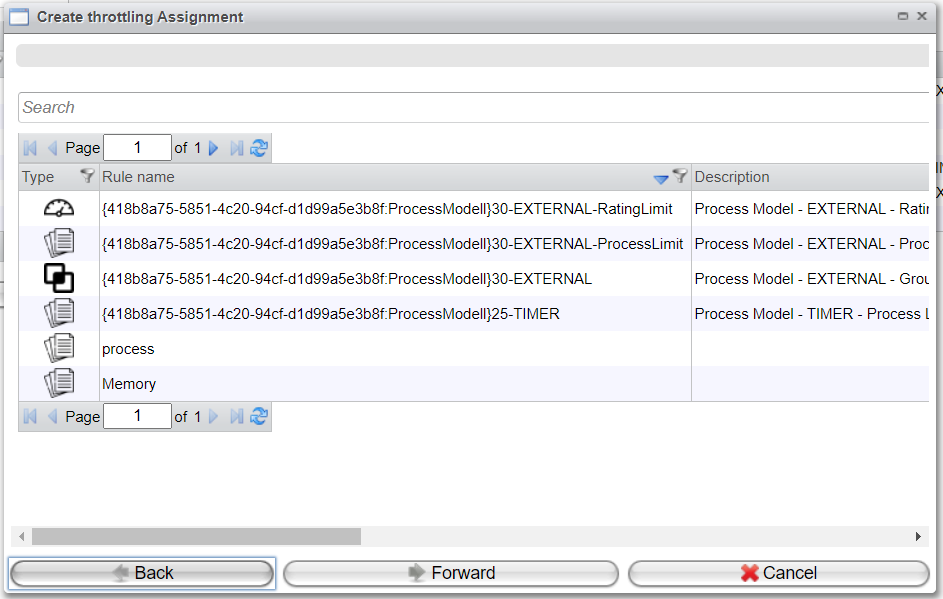
Select a rule that has been created as described in the chapter Throttling Rules.
-
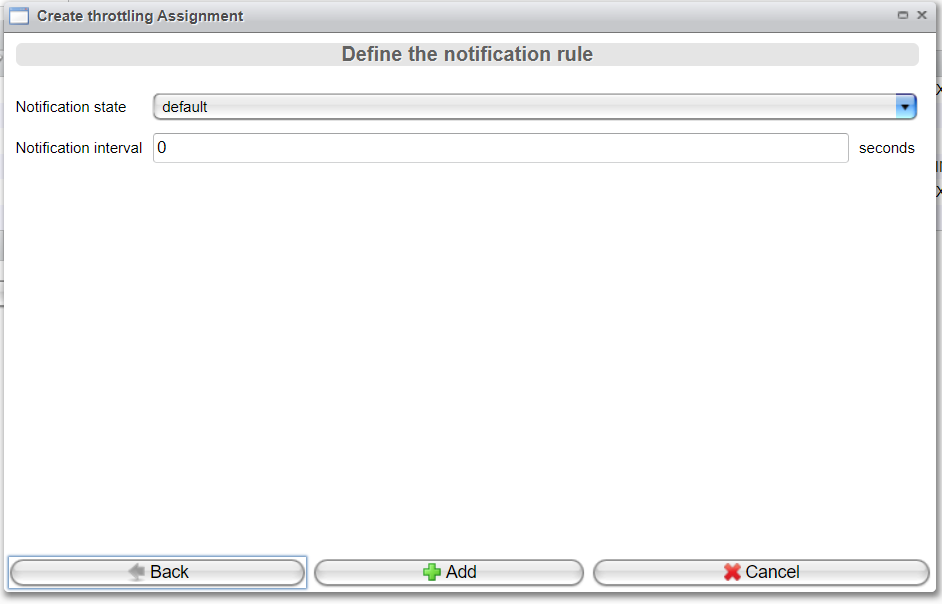
Configure the Notification settings as outlined in the chapter "Throttling Assignment", specifically in the topic "Details View".